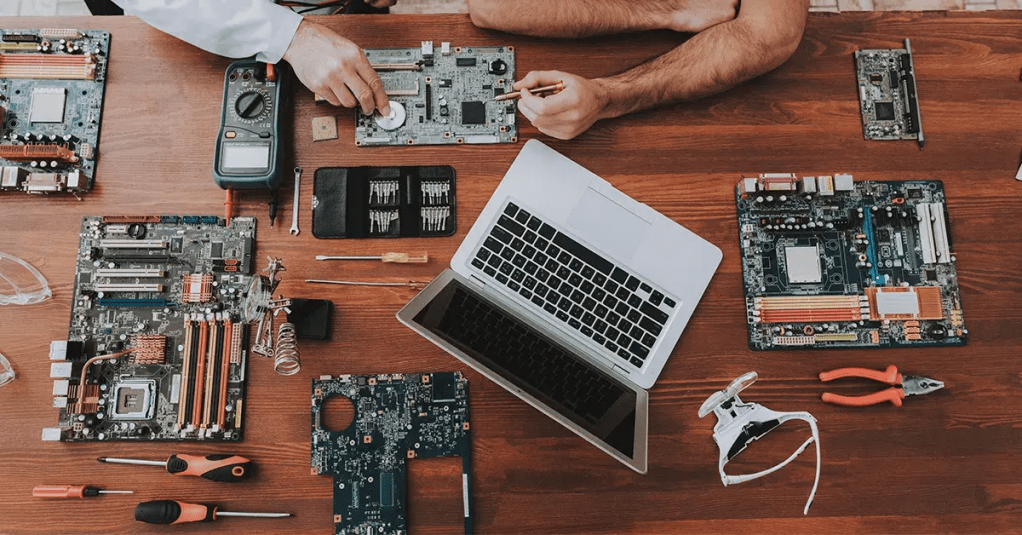
Choosing between a desktop vs. laptop for your business depends on how your employees work, where they work, and what they need to accomplish each day. Desktops typically offer better performance and easier upgrades, while laptops provide the flexibility to work from virtually anywhere. Understanding the strengths of each option will help you make a smarter investment for your business.
Key Takeaways
- Desktops provide more power and easier hardware upgrades.
- Laptops are ideal for remote, hybrid, and traveling employees.
- Your business goals should determine which option is the better fit.
- Link US Online helps businesses source reliable IT hardware while reducing costs and saving time.
Why Your Choice Matters
Every business relies on dependable computer equipment to keep operations running efficiently. Whether your employees handle customer service, accounting, graphic design, or network management, having the right device can improve productivity and reduce downtime.
When comparing desktop vs. laptop options, there isn’t a one-size-fits-all answer. Instead, consider how your team works, your available budget, and your plans for future growth.
Benefits of Desktop Computers
Desktop computers remain the preferred choice for many businesses because they deliver excellent performance at a competitive price. They generally include faster processors, larger storage capacities, and better cooling systems than similarly priced laptops.
Another advantage is expandability. Need more memory or additional storage? Desktop computers make upgrades simple, extending the life of your investment without replacing the entire system.
They’re also well suited for employees who work from a fixed office location every day and don’t require portability.
Benefits of Laptop Computers
For businesses with remote or hybrid teams, laptops provide unmatched convenience. Employees can work from home, meet clients, or travel while staying connected to business applications and company files.
Modern laptops are lighter, faster, and more powerful than ever before. Many models easily handle office productivity software, video conferencing, and cloud-based applications without sacrificing performance.
When evaluating desktop vs. laptop options, mobility is often the deciding factor. If your employees frequently move between locations, laptops offer flexibility that desktop computers simply can’t provide.
Which Option Offers Better Value?
Cost depends on your business needs. Desktop computers usually provide more processing power for the same budget, making them a cost-effective option for office-based teams. Laptops may have a higher upfront cost, but the added mobility can increase employee productivity and support flexible work arrangements.
Many organizations choose a combination of both. Office staff may use desktops for maximum performance, while managers, sales representatives, and remote employees rely on laptops for mobility.
Since 2011, Link US Online, based in Research Triangle Park, NC, has helped businesses source dependable IT hardware while saving both time and money. Whether you’re looking for business desktops or laptops, our team can help you find solutions from trusted manufacturers, including Cisco, Meraki, Aruba, HPE, and Ubiquiti, to complement your overall IT infrastructure.
Conclusion
The desktop vs. laptop decision comes down to how your business operates. If your employees primarily work in one location and require high performance, desktops are often the better investment. If flexibility and mobility are priorities, laptops deliver the convenience today’s workforce expects. By understanding your team’s needs and partnering with a trusted supplier like Link US Online, you can choose technology that supports your business now and as it grows.
Frequently Asked Questions
1. Are desktops better than laptops for business?
Desktops generally offer better performance, easier upgrades, and a lower cost for similar hardware specifications.
2. When should a business choose laptops?
Laptops are ideal for remote employees, hybrid work environments, frequent travelers, and teams that need flexibility.
3. Which option lasts longer?
Desktop computers often have a longer lifespan because individual components can be upgraded or replaced more easily.
4. Can businesses use both desktops and laptops?
Yes. Many companies use desktops for office employees and laptops for remote workers or staff who travel regularly.
5. Where can businesses find reliable IT hardware?
Link US Online has been helping businesses source quality IT hardware since 2011. For assistance, call (919) 825-0900.
This post was written by a professional at Link-Us Online. At Link-Us Online, we understand the power of networking and its potential to improve the efficiency of your business. Our team empowers users to discover and acquire high-quality networking hardware from a diverse range of suppliers. We offer a range of industry-leading solutions from top brands such as Cisco, Meraki, HPE, Juniper, APC, Fortinet, and Ubiquiti. Whether you’re a small business owner seeking reliable equipment for your expanding network or someone in the purchasing department working for universities, real estate management companies, or local governments hunting for specific gear, Link-Us Online is your dedicated ally. Contact us if you are looking to buy network equipment.








 Businora